
Installing APK apps on Android is simple, but some users may face issues if it’s their first time. This guide explains the process step by step in an easy way.
PakZino shares Android APK apps only. iOS devices do not support APK files.
Step 1: Download the APK File
First, visit the PakZino app page and tap the Download APK button. Wait for the file to finish downloading on your phone.
The APK file is usually saved in your Downloads folder.

Step 2: Allow Installation from Unknown Sources
By default, Android blocks apps installed outside the Play Store.
To allow APK installation:
- Open Settings on your phone
- Go to Security or Privacy
- Find Install unknown apps
- Select your browser or file manager
- Enable Allow from this source
This setting is safe and can be turned off later.

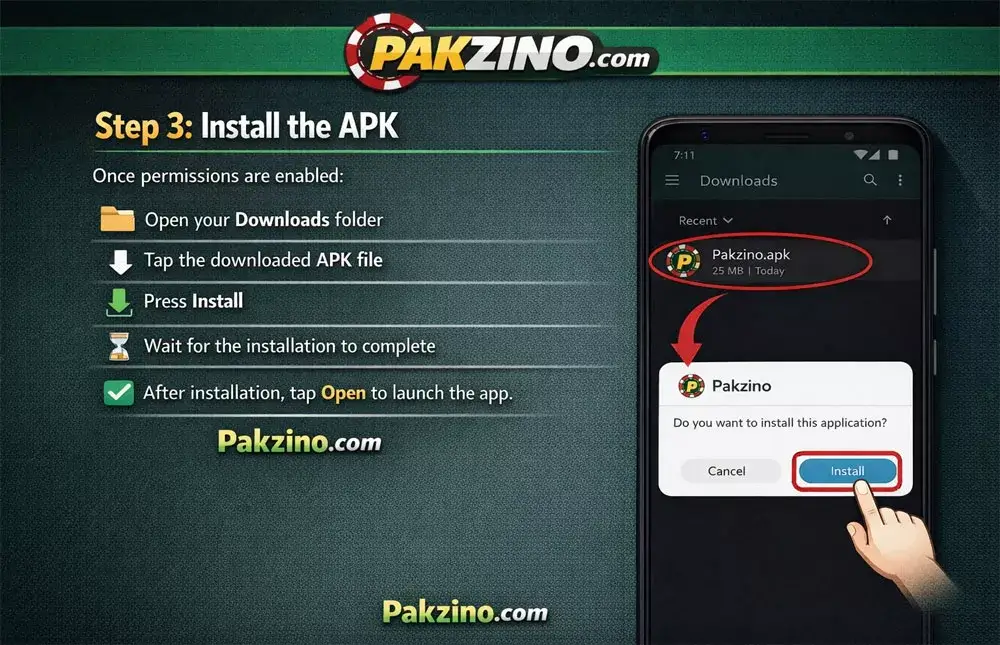
Step 3: Install the APK
Once permissions are enabled:
- Open your Downloads folder
- Tap the downloaded APK file
- Press Install
- Wait for the installation to complete
After installation, tap Open to launch the app.
Step 4: Open the App and Continue
After opening the app, follow the on-screen instructions. Some apps may ask for basic permissions to work properly.
Always read the app instructions carefully.
Safety Reminder: PakZino provides APK files for informational purposes only. Always install apps responsibly and avoid downloading from unknown or untrusted sources.